You may have heard the term cloud computing many times, especially when using apps, storing photos online, or working remotely. But for beginners, cloud computing often sounds technical and confusing.
In reality, cloud computing is very simple. It is just a modern way of using computers, storage, and software over the internet instead of your own device. In this article, we’ll explain what cloud computing is, how it works, and why it’s so important today—all in clear, simple words.
What Is Cloud Computing? (Simple Definition)
Cloud computing means using computing services—like storage, software, and servers—over the internet (“the cloud”) instead of on your personal computer or hard drive.
In Simple Words:
- Your data is stored online
- Software runs on internet servers
- You access everything using the internet
You don’t need powerful hardware or large storage space on your own device.
Real-Life Example of Cloud Computing
If you use:
- Google Drive to store files
- Gmail to send emails
- Netflix to watch movies
- Dropbox to save documents
👉 You are already using cloud computing.
Your data and services are stored on remote servers, not on your personal computer.
How Does Cloud Computing Work?
Cloud computing works through large data centers run by companies like Google, Amazon, and Microsoft.
Step-by-Step Explanation:
- You open a website or app
- Your request goes through the internet
- Cloud servers process the request
- Results are sent back to your device
All the heavy work happens on cloud servers, not on your device.
Why Is It Called “The Cloud”?
The word “cloud” is just a symbol.
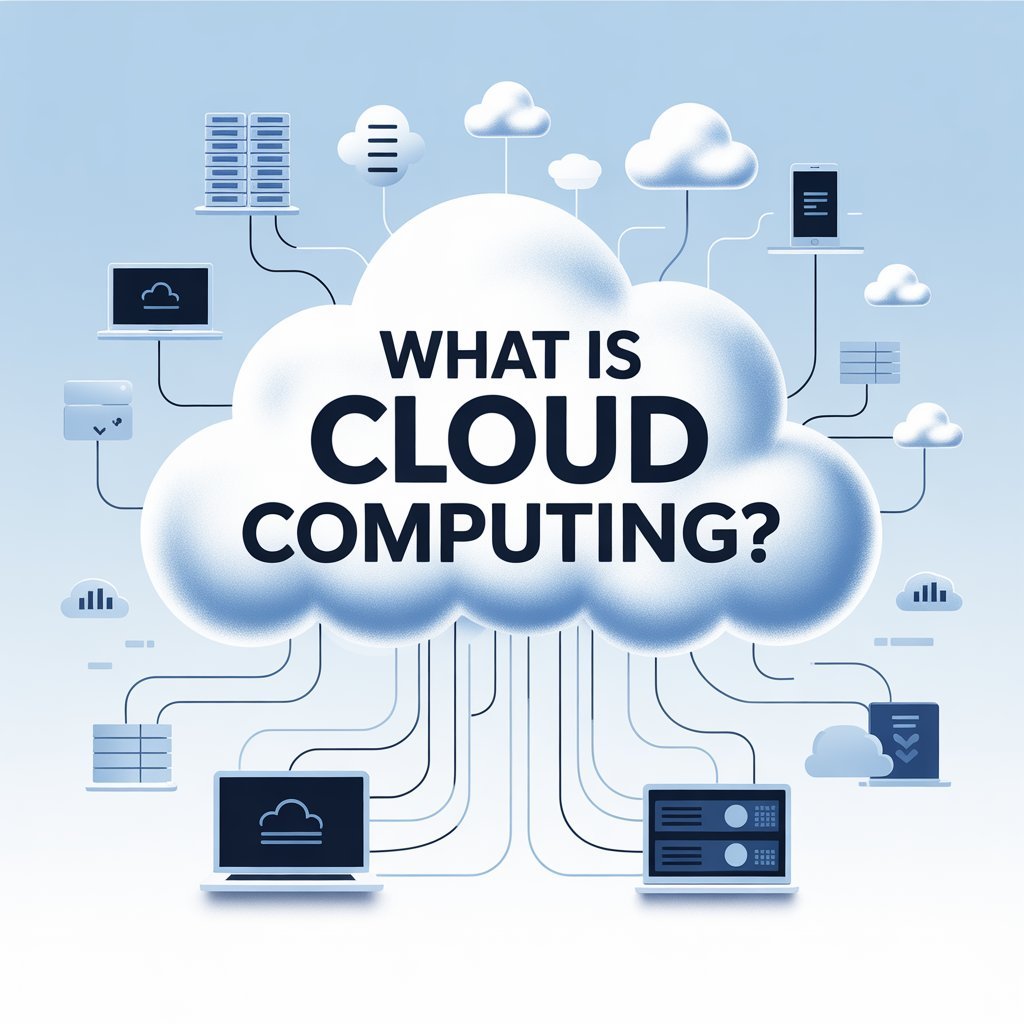
In the past, internet diagrams showed a cloud icon to represent remote servers. Over time, people started calling internet-based services “the cloud”.
👉 There is no actual cloud in the sky—just powerful computers located in data centers.
Types of Cloud Computing (Explained Simply)
Cloud computing is divided into three main types.
1. Public Cloud
Public cloud services are shared and open to everyone.
Examples:
- Google Drive
- Microsoft OneDrive
- Amazon Web Services (AWS)
Best For:
- Individuals
- Small businesses
- Bloggers and freelancers
Most people use public cloud services daily.
2. Private Cloud
Private cloud services are used by one organization only.
Features:
- More security
- More control
- Higher cost
Best For:
- Banks
- Large companies
- Organizations with sensitive data
3. Hybrid Cloud
Hybrid cloud is a mix of public and private cloud.
Why Companies Use It:
- Sensitive data stays private
- General data uses public cloud
- More flexibility
Cloud Computing Services (Simple Breakdown)
Cloud services are also categorized by what they offer.
1. Cloud Storage
Cloud storage allows you to save files online.
Examples:
- Google Drive
- Dropbox
- iCloud
Benefits:
- Access files anywhere
- Automatic backups
- No need for USB drives
2. Cloud Software (Apps)
Cloud-based software runs on the internet instead of your computer.
Examples:
- Gmail
- Google Docs
- Canva
Benefits:
- No installation required
- Automatic updates
- Works on any device
3. Cloud Servers
Businesses use cloud servers instead of buying physical servers.
Why It’s Popular:
- Saves cost
- Scalable
- Reliable
Websites and apps often run on cloud servers.
Advantages of Cloud Computing
Cloud computing offers many benefits.
1. Easy Access
You can access data from anywhere with an internet connection.
2. Cost Saving
No need to buy expensive hardware or software.
3. Automatic Updates
Cloud services update automatically—no manual work needed.
4. Scalability
You can increase or decrease usage anytime.
5. Data Backup
Your data stays safe even if your device is damaged.
Disadvantages of Cloud Computing
While useful, cloud computing has some downsides.
1. Internet Dependency
No internet = no access.
2. Privacy Concerns
Data is stored on third-party servers.
3. Limited Control
You rely on service providers.
However, for most users, benefits outweigh the risks.
Is Cloud Computing Safe?
Cloud providers use:
- Encryption
- Firewalls
- Security monitoring
Major cloud platforms invest heavily in security. Still, users should:
- Use strong passwords
- Enable two-factor authentication
- Avoid sharing sensitive data carelessly
Who Uses Cloud Computing?
Cloud computing is used by:
- Students
- Bloggers
- Freelancers
- Small businesses
- Large corporations
From personal file storage to global companies, cloud computing powers modern digital life.
Cloud Computing for Beginners (Why It Matters)
For beginners, cloud computing:
- Makes technology easier
- Reduces hardware costs
- Supports remote work
- Enables online learning
It’s one of the most important tech concepts to understand today.
Future of Cloud Computing
Cloud computing continues to grow because:
- Remote work is increasing
- Online services are expanding
- Businesses need flexibility
In the future, more tools and services will rely entirely on the cloud.
FAQs – Cloud Computing Explained Simply
Q1: Do I need technical skills to use cloud computing?
No. Most cloud services are designed for beginners.
Q2: Is cloud computing free?
Many services offer free plans, with paid upgrades for more features.
Q3: Can cloud computing replace my computer?
No, but it reduces the need for powerful hardware.
Q4: Is cloud storage better than USB drives?
Yes. Cloud storage is safer, accessible, and backed up automatically.
Q5: What happens if a cloud service shuts down?
Reputable providers rarely shut down suddenly, but backing up important data is always wise.
Conclusion
Cloud computing simply means using internet-based services instead of relying only on your personal computer. It allows you to store data, run software, and access services from anywhere.
From emails and file storage to business websites and streaming platforms, cloud computing is the backbone of modern technology. Understanding it helps you stay informed, productive, and prepared for the digital future.